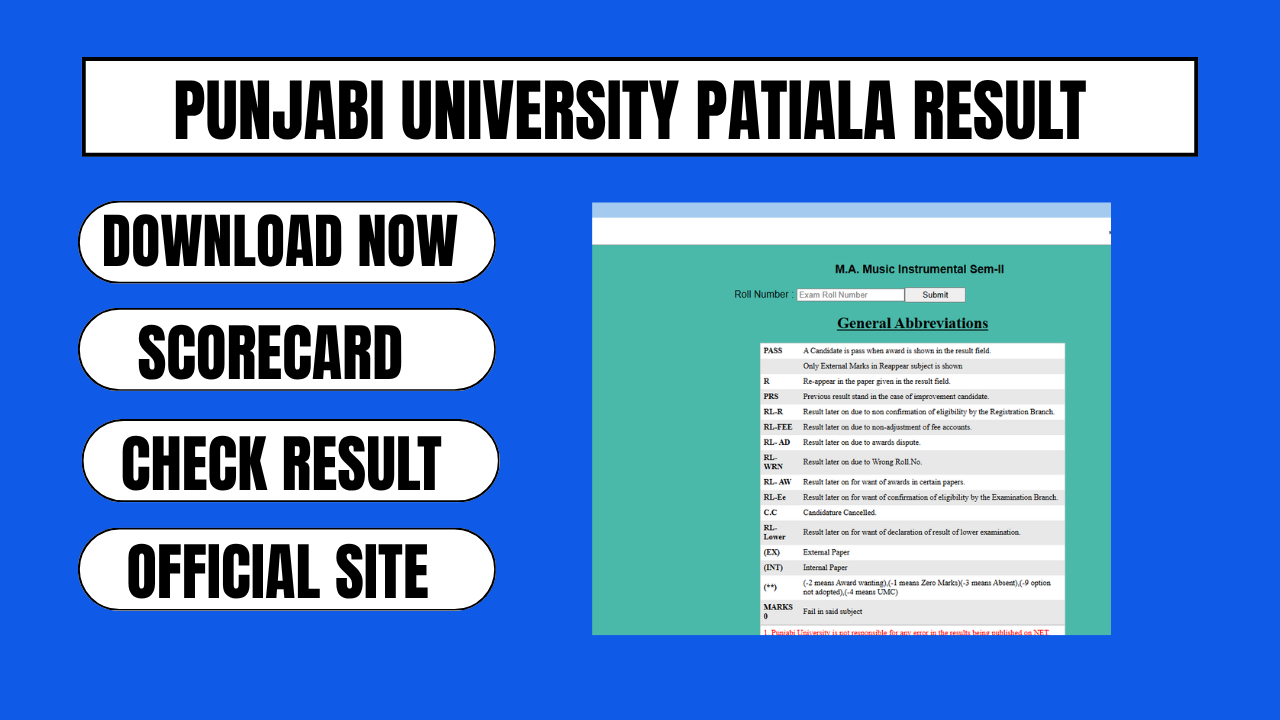
Punjabi University Patiala is one of the major state universities in Punjab, offering undergraduate and postgraduate programmes across disciplines such as Humanities, Science, Computer Applications, Engineering, Law, and Performing Arts. Every year, lakhs of students appearing for semester and annual examinations look for their results on the university’s official portals. This guide explains everything students need to know about checking, downloading, and understanding the Punjabi University Patiala result, along with the official links and steps involved.
About Punjabi University Patiala Examinations
Punjabi University conducts semester and annual examinations for a wide range of UG and PG courses, including BA, BSc, BCom, BBA, BCA, B.Tech, MA, MSc, MCom, MBA, MCA, LLB, LLM, B.Pharmacy, M.Pharmacy, and various diploma and vocational programmes. Results are usually declared in phases rather than all at once, since different courses and semesters complete their evaluation cycles at different times through the academic year. Students should keep checking the official result portal regularly for their specific course and semester.
How to Check Punjabi University Patiala Result
Students can follow these simple steps to check and download their provisional result online.
Visit the official examination result portal of Punjabi University Patiala.
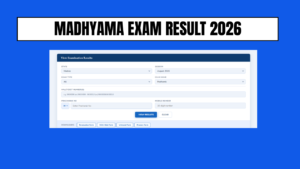
Look for the “Result” or “Quick Search Result” section on the homepage.
Select the relevant course, semester, and examination session (such as the November or December session, or the May session, depending on when the exam was held).
Enter your roll number or registration number exactly as printed on your admit card.
Submit the form to view your result on the screen.
Download the provisional marksheet or take a screenshot and printout for future reference and admission or job purposes.
Some professional or reappear courses may ask for additional details such as your father’s name or date of birth for verification, so keep your admit card handy while checking the result.
Information Usually Displayed on the Result
Once the result opens, students can typically view the following details on their provisional marksheet.
Student name, roll number, and registration number
Course and semester or year of examination
Subject wise marks obtained and maximum marks
Overall grade, division, or CGPA depending on the course
Pass, fail, or reappear status
Remarks, if any, such as pending practical marks or grace marks
Students are usually advised to treat the online result as provisional. Final confirmation of marks comes only through the official gazette notification and the physical marksheet issued later by the university’s examination branch.
What to Do After the Result is Declared
Once the result is out, students generally have a few follow up steps to consider.
Cross check every subject and total marks carefully against the answer sheets or expected performance.
Save a digital copy and take a printout of the provisional result immediately after it is declared, since online portals can sometimes be updated or replaced.
If there is a discrepancy in marks, personal details, or subject codes, contact the examination branch of the university as early as possible.
If not satisfied with the marks in a particular subject, apply for rechecking or re evaluation within the deadline announced by the university for that examination cycle.
Keep the roll number and admit card safe until the final marksheet and degree are collected, since these are needed for verification at every stage.
Revaluation and Rechecking Process
Students who wish to get their answer sheets rechecked or revalued can usually apply through the university’s examination branch or online portal within a specified window after the result declaration. The process generally involves submitting an application form along with the prescribed fee per subject. Rechecking usually covers verification of totals and checking whether any question has been left unmarked, while revaluation involves a fresh assessment of the answer script by an examiner. Students should always confirm the exact fee, deadline, and procedure from the official notification released for that particular examination, since these details can change with each cycle.
Common Issues Students Face While Checking Results
Server slowdowns due to heavy traffic right after a result is announced
Result not found errors, usually because of an incorrect roll number or an unpublished result for a specific course or semester
Mismatch in personal details such as name spelling or date of birth
Pending or withheld results due to incomplete fee payment, unresolved backlog subjects, or missing internal assessment marks
If any of these issues occur, students should wait for some time and try again, and if the problem continues, reach out directly to the examination branch with proof of admission and fee payment.
Frequently Asked Questions
How can I check my Punjabi University Patiala result? Visit the official examination result portal, select your course, semester, and session, then enter your roll number to view and download your provisional result.
What should I do if my result is not showing on the portal? Wait for some time since results are declared course wise and semester wise in phases, and if it still does not appear, contact the university’s examination branch with your admit card details.
Is the online result final? No, the online result is provisional. The official gazette notification and the physical marksheet issued by the university are considered the final and authentic record.
How do I apply for revaluation or rechecking? Students can apply through the examination branch or the designated online form within the deadline announced after the result, along with the required fee per subject.
What documents are needed to check the result? Generally only the roll number or registration number is required, though some courses may ask for additional verification details like date of birth.
Official Links
| Purpose | Link |
|---|---|
| University Official Website | punjabiuniversity.ac.in |
| Examination Result Portal | results.pupexamination.ac.in |
| Examination Branch Information | pupexamination.ac.in |
| Result Portal (Quick Search) | results.pupexamination.ac.in/t8/results/results.php |