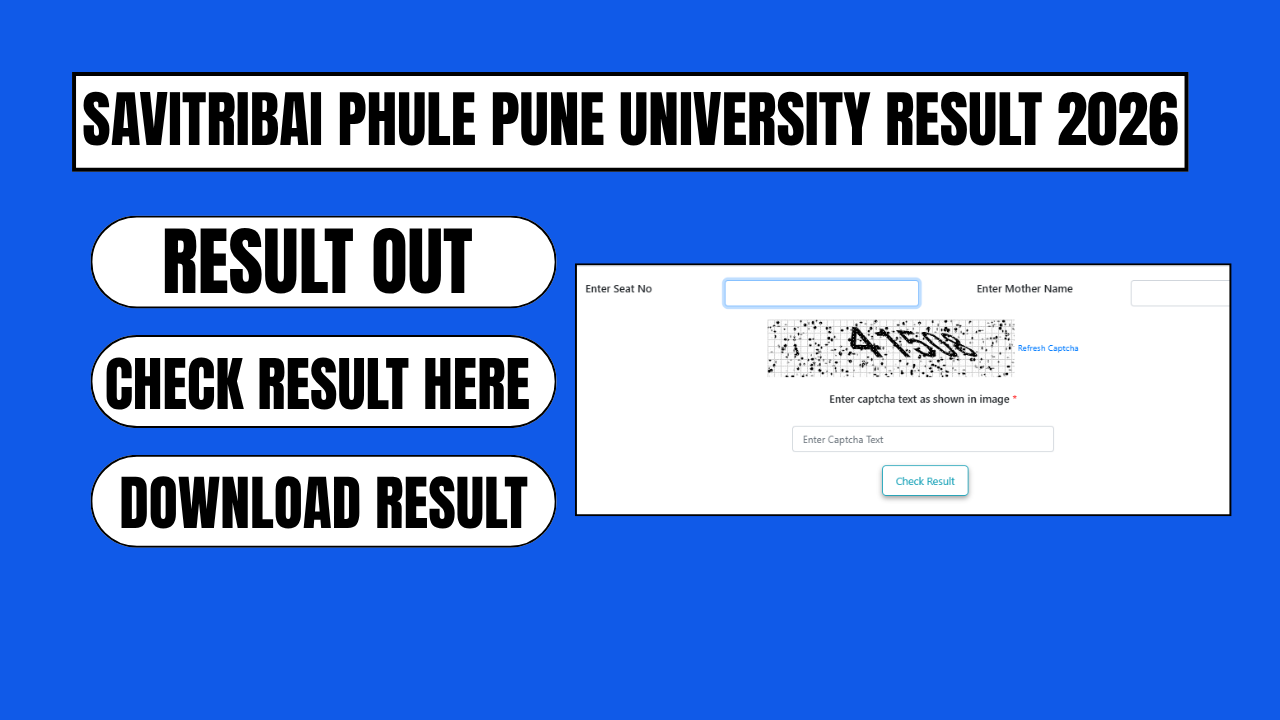
Savitribai Phule Pune University (SPPU), one of India’s oldest and largest universities, has been declaring results for its 2025-26 academic session in phases throughout the year. If you’re a student waiting for your UG or PG marksheet, this guide covers everything you need to know — from checking your result online to applying for revaluation.
What Is SPPU Result 2026?
SPPU Result 2026 refers to the examination results declared by Savitribai Phule Pune University for undergraduate (UG), postgraduate (PG), diploma, and professional programmes conducted during the 2025-26 academic sessions. This includes Summer Session and Winter Session exams held under the NEP 2020 pattern, CBCS pattern, and older examination schemes.
SPPU has already released results for several major programmes in 2026, including:
- Undergraduate courses: BA, BSc, BCom, BBA, BCA, BTech, BE, BA LLB, BP.Ed
- Postgraduate courses: MA, MSc, MCom, MBA, MTech, ME, LLM, MPharm, M.Ed
- Professional and diploma programmes under the Faculty of Law and Management
Results are declared in stages depending on the course, semester, and academic pattern a student is enrolled under (2019 Revised, 2023 Pattern, 2024 Pattern, 2025 Pattern, or NEP 2020).
SPPU Result 2026 Highlights
| Detail | Information |
|---|---|
| University Name | Savitribai Phule Pune University (SPPU) |
| Also Known As | University of Pune |
| Official Result Portal | onlineresults.unipune.ac.in |
| Session Covered | Summer 2026 & Winter 2025-26 |
| Result Mode | Online only |
| Login Requirement | Seat Number / PRN Number and Mother’s Name |
| Result Format | Provisional marksheet (PDF) |
Step-by-Step: How to Check Your SPPU Result 2026 Online
Follow these steps carefully to avoid errors while retrieving your marksheet:
- Visit the official SPPU result portal at onlineresults.unipune.ac.in — this is the only official source for results; avoid third-party sites that ask for payment or personal details beyond your PRN.
- Locate the “Results” or “Examination Results” section on the homepage.
- Search for your specific programme from the list, for example “First Year BSc 2024 Pattern NEP 2020 Summer 2026” or “BE Winter Session 2025-26.”
- Click on your programme’s result link, which will open a dedicated login page for that exam.
- Enter your Seat Number or PRN (Permanent Registration Number), along with your mother’s name where required.
- Enter the captcha code shown on the screen.
- Click “Submit” or “Get Result” to view your scorecard.
- Download and save a PDF copy of your marksheet for future reference — you’ll need it for admissions, scholarships, and placements.
Tip: SPPU’s servers often experience heavy traffic right after a result is announced. If the site loads slowly or times out, wait a few minutes and try again rather than repeatedly refreshing.
SPPU Exam Cycle: When Are Results Usually Declared?
Savitribai Phule Pune University follows a semester-based examination system:
- Odd semester exams are conducted in October/November, with results typically declared within 30–60 days.
- Even semester exams take place in April/May, with results following a similar 30–60 day timeline.
Because SPPU has hundreds of affiliated colleges and hundreds of degree programmes, results are not released all at once. Instead, they roll out in batches — a pattern that continued through 2026, with dozens of individual programme results declared across different weeks.
What to Check on Your SPPU Marksheet
Once you download your result, verify the following details carefully before treating it as final:
- Your full name and PRN/Seat Number as per official records
- Subject-wise marks and total marks obtained
- SGPA/CGPA (for NEP and CBCS pattern students) or percentage (for older patterns)
- Pass/fail status for each subject
- Any remarks such as “ATKT” (Allowed to Keep Term) for backlog subjects
If any personal detail is incorrect, contact your college’s examination department immediately rather than the university directly, since colleges handle most student-record corrections.
SPPU Revaluation and Rechecking Process
Students who are not satisfied with their marks can apply for revaluation or photocopies of their answer sheets. Here’s how the process generally works:
- The revaluation application window opens for a short period after each result declaration.
- Applications must be submitted online through the official SPPU portal along with the prescribed fee.
- Revaluation results are typically declared within a few weeks after the evaluation process is completed.
- Students can also apply for a photocopy of their answer sheet before deciding whether to request revaluation.
Keep an eye on official SPPU circulars for exact deadlines, as these vary by course and session.
Frequently Asked Questions (FAQs)
Q1. How can I check my SPPU Result 2026? Visit onlineresults.unipune.ac.in, select your programme, and enter your Seat Number/PRN along with your mother’s name to view and download your result.
Q2. Has SPPU declared all UG and PG results for 2026? No. SPPU declares results in phases across the year based on programme, pattern, and semester. Always check the official portal for your specific course and session.
Q3. What should I do if the SPPU result website is not loading? This usually happens due to heavy traffic right after a result announcement. Wait some time and try again instead of repeatedly reloading the page.
Q4. Can I apply for revaluation if I’m unhappy with my SPPU result? Yes. SPPU allows students to apply for revaluation or answer sheet photocopies within a limited window after result declaration, through the official portal.
Q5. What documents do I need to check my SPPU result? You need your Seat Number or PRN (Permanent Registration Number) and, in most cases, your mother’s name for verification.
Q6. Is onlineresults.unipune.ac.in the only official source for SPPU results? Yes, this is SPPU’s official result portal. While aggregator websites may also display results, always cross-verify with the official portal before relying on any marksheet for admissions or job applications