
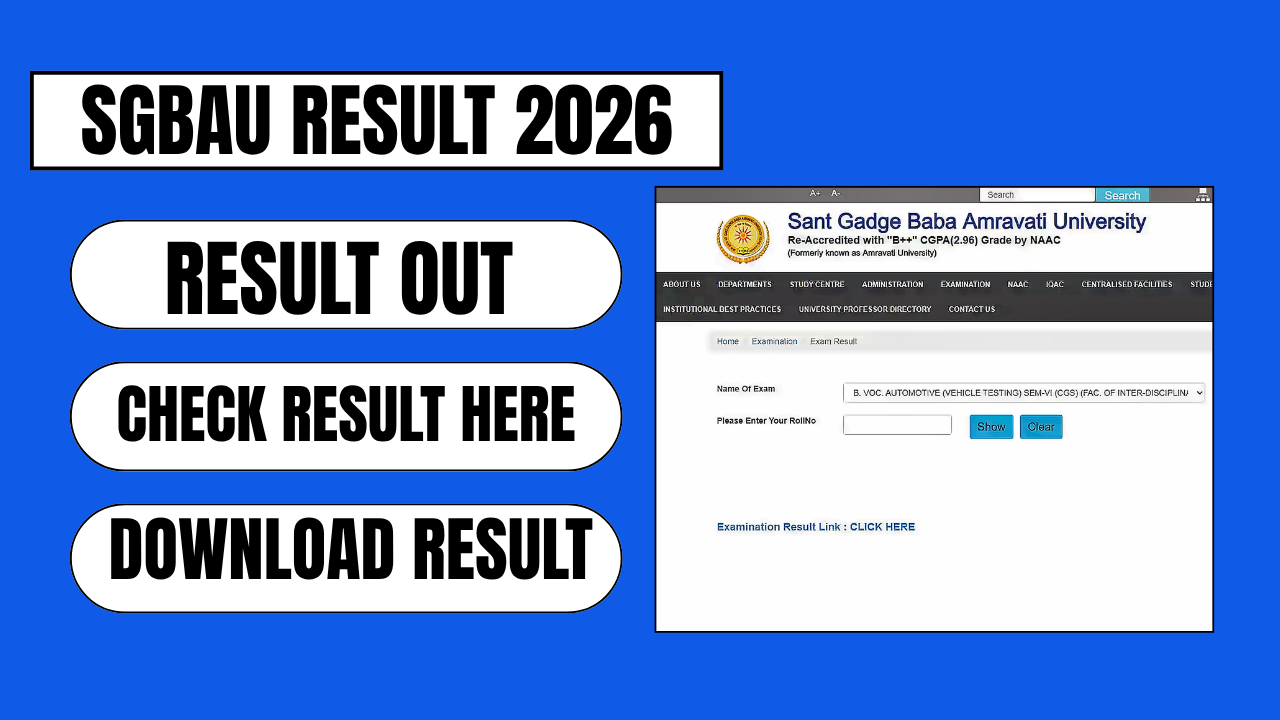
Sant Gadge Baba Amravati University (SGBAU), located in Amravati, Maharashtra, releases semester and annual examination results in phases throughout the year for its undergraduate (UG), postgraduate (PG), diploma, and professional programmes. Because SGBAU publishes results course-wise and semester-wise rather than all at once, students often find it confusing to track which results are live and how to access them correctly. This guide explains, in simple steps, everything you need to know about checking your SGBAU result in 2026 — from the official portals to what to do if your marksheet shows an error.
What Is SGBAU?
Sant Gadge Baba Amravati University is a state university that oversees affiliated colleges across the Amravati region of Maharashtra, offering programmes in arts, science, commerce, engineering, law, management, and vocational education. The university conducts examinations twice a year: even-semester exams (commonly called the Summer session) in March–May, and odd-semester exams (the Winter session) in November–January. Results for each session are declared in multiple phases as different faculties and courses complete their evaluation process.
Official Websites to Check SGBAU Result
SGBAU results are published on two connected official platforms:
- sgbau.ac.in — the university’s main website, where the “Student’s Corner” section links to examination and results pages
- sgbau.ucanapply.com/result-details — the dedicated result portal (hosted through the UCanApply examination system) where most current results are searchable directly
Because the result portal runs on a third-party examination system, it can slow down or time out when a large number of students check results at the same time. If a page fails to load, waiting a few minutes before retrying usually resolves the issue.
Step-by-Step: How to Check Your SGBAU Result Online
Follow these steps to view and download your result:
- Visit the official result portal at sgbau.ucanapply.com/result-details, or go to sgbau.ac.in and navigate to Student’s Corner → Results.
- Select the examination session, such as Summer 2026 or Winter 2025, depending on which exam you appeared for.
- Choose your Course Type — UG, PG, PhD, or Diploma.
- Select your specific course from the dropdown list (for example, B.A., B.Sc., B.Com., B.Tech., M.A., M.Com., MCA, LL.B., or B.Voc.).
- Choose the Result Type — Regular, Back (backlog/ATKT), Revaluation, or EVS, matching the category you appeared under.
- Enter your Roll Number or Registration Number exactly as printed on your admit card. Some result pages also ask for your date of birth.
- Select your Semester or Year, then click “Search Result” to view your marksheet on screen.
- Download or print the result page for your records.
Keep in mind that exact field requirements can vary slightly from course to course, so double-check that you’ve selected the correct session, faculty, and semester combination before searching.
Which Courses Have Results Declared?
Throughout 2026, SGBAU has released results in stages for a wide range of programmes, including:
- Undergraduate: B.A. (including NEP semester pattern), B.Sc., B.Com., BBA, BCA, B.Pharm., B.Tech./B.E., B.Arch., BSW, B.Voc. (Automobiles, Forensic Science, IT/Cyber Security, and other streams), Bachelor of Fashion Designing, B.Sc. (Animation)
- Postgraduate: M.A., M.Sc., M.Com., MCA, M.Pharm., M.Ed., MSW, Master of Physical Education (B.P.Ed.), Master of Computer Management
- Professional and Diploma: LL.B. (5 Years), LLM, Diploma in Business Management, Diploma in Financial Management, Diploma in Business Analytics
Results are declared for Regular, Back (backlog), and Revaluation categories separately, and often across multiple semesters (such as 1st, 2nd, 3rd, 5th, and 7th) within the same announcement window. If your specific course or semester result is not yet visible, it is likely still pending — SGBAU typically clears results faculty-by-faculty over several weeks rather than in one single release.
Understanding Your SGBAU Marksheet
Once your result appears on screen, it will usually show:
- Your name, roll number, and course details
- Subject-wise marks (theory, practical, and internal assessment where applicable)
- Total marks, SGPA/CGPA (for NEP/CBCS-pattern courses), and division awarded (First Class, Second Class, etc.)
- Pass/fail status for each subject and overall
The minimum passing criterion at SGBAU is generally 40% aggregate marks, with separate minimum thresholds for theory, practical, and internal components depending on the course structure.
Important: The result displayed online is provisional and meant for immediate reference only. It is not a substitute for the original marksheet. Students must collect the final, official marksheet from their respective college once the university issues it.
What to Do If There’s an Error in Your Result
If you notice a discrepancy — incorrect spelling of your name, wrong subject marks, or missing subjects — do not wait. Report the issue promptly to your college’s examination section, which will coordinate with the SGBAU examination department to verify your records and issue a correction. Keep your admit card, previous marksheets, and any other supporting documents ready when you raise the query.
Applying for Revaluation or Rechecking
If you are not satisfied with your marks in a particular subject, SGBAU allows students to apply for revaluation. Revaluation windows generally open shortly after each result declaration. To apply:
- Visit sgbau.ac.in and go to the Students Corner section.
- Select the Results or Revaluation option.
- Fill in the required course, semester, and subject details.
- Pay the applicable revaluation fee and submit the form before the deadline.
- Revaluation results are announced separately, usually a few weeks after applications close.
Deadlines and fee structures can change from session to session, so it’s worth checking the current notice on the official website before applying.
Frequently Asked Questions
Is the SGBAU online result final? No. The result shown on the portal is provisional. The official, verified marksheet is issued through your college.
What details do I need to check my result? Typically your roll number or registration number, and in some cases your date of birth, exactly as recorded on your admit card.
Why is my result not showing yet? SGBAU declares results in phases by faculty and course. If your programme hasn’t been processed yet, keep checking the official portal periodically, and watch for official notices on sgbau.ac.in.
Does SGBAU offer a backlog (ATKT) result option? Yes. Backlog results are published under the “Back” result type on the same portal, alongside Regular and Revaluation categories.
Where can I get help if the portal isn’t working? If the result website is slow due to heavy traffic, try again after some time. For persistent issues or record discrepancies, contact your college’s examination section directly, since they liaise with the university on your behalf.